Pine Studio part of DegenView
The Pine Script editor with a real debugger.
Write Pine Script v6, break on any line, profile the slow parts and get AI help. Runs on your machine, on live data. Free, open source, no account.
- Pine Script v6
- Runs 100% locally
- macOS · Windows · Linux
- Open source · GPL-3.0
Pine Studio
A proper workspace for Pine Script v6
A script library, an editor and a live preview chart in one tab. Scripts run as you type, on real market data.
- 01
A real Pine v6 engine, locally
Indicators, strategies and libraries run on your machine. No server, no upload, no account.
- 02
A live preview chart
Re-runs as you type, on any crypto or stock market. Every input() becomes a control.
- 03
Diagnostics that point at the line
Errors and warnings, including run-time failures, land in a Problems tab with go-to-line.
- 04
A Logs pane for log.*()
Search by text or regex, filter by level, and jump from a message to its line or bar.
- 05
Strategies with a report
Backtest figures, an equity curve and a full trade list.
- 06
An editor that helps
Completion, signature help, go to definition, rename, multiple cursors and change marks.
Starts with nine example scripts, from an EMA cross to a stats table.How to write scripts in Pine Studio
Step debugger
Stop debugging Pine with log.info()
Set a breakpoint, run over your chart’s bars and stop where it matters. Read every variable and step through code like in a real IDE.
- 01
Breakpoints that think
Click the gutter or press F9. Add a condition, a hit count or a logpoint.
- 02
Step like in any IDE
Step over, into and out, or a whole bar at a time. Values show inline.
- 03
See every variable
Locals and globals with types, changes highlighted. Add watches like close - open.
- 04
Jump to any bar
Stop at a bar or a date and read the call stack. Restart in one click.
The debugger runs on a frozen copy of the preview chart’s bars, so nothing moves while you look.Debugger docs
Profiler
Find the slow line, not just the slow script.
Turn on the stopwatch and DegenView times your script over the preview chart’s bars, with a bar and a share beside each line.
- Per-line time and share, next to your code
- Hottest lines, blocks and functions, ranked
- Click a row to jump to the line
AI assistant
It edits a copy. You approve every change.
Describe what you want. The assistant reads, compiles and profiles your script, then proposes changes you review before anything touches your editor.
- 01
Ask
Questions about your script. It reads, compiles and measures, but never edits.
- 02
Plan
It investigates, then proposes a plan of up to twelve steps. Approve, revise or discard.
- 03
Edit
It proposes changes as a diff. Apply all, or review one by one.
Review it like a pull request
- A diff with a checkbox per change
- One undo step. Auto-apply is optional
- Bring your own key: OpenAI, Anthropic or compatible servers
Your script goes straight to the provider you pick, with no DegenView server in between. You pay them directly. Keys live in the system keychain on macOS and Linux.
MCP server
Or drive Pine Studio from your own assistant
DegenView’s optional MCP server opens Pine Studio to any MCP-capable AI assistant: read scripts, compile, fix diagnostics and put the result on a chart.
- Read, compile and edit script drafts, with no silent overwrites
- Apply a saved script to a chart, tune or remove it
- Off by default, local, token-protected. Saves need your approval
Editor themes
Make the editor yours
Follow the app, or pick Dark, Light or Dracula. Then change every color, the font and the line height.
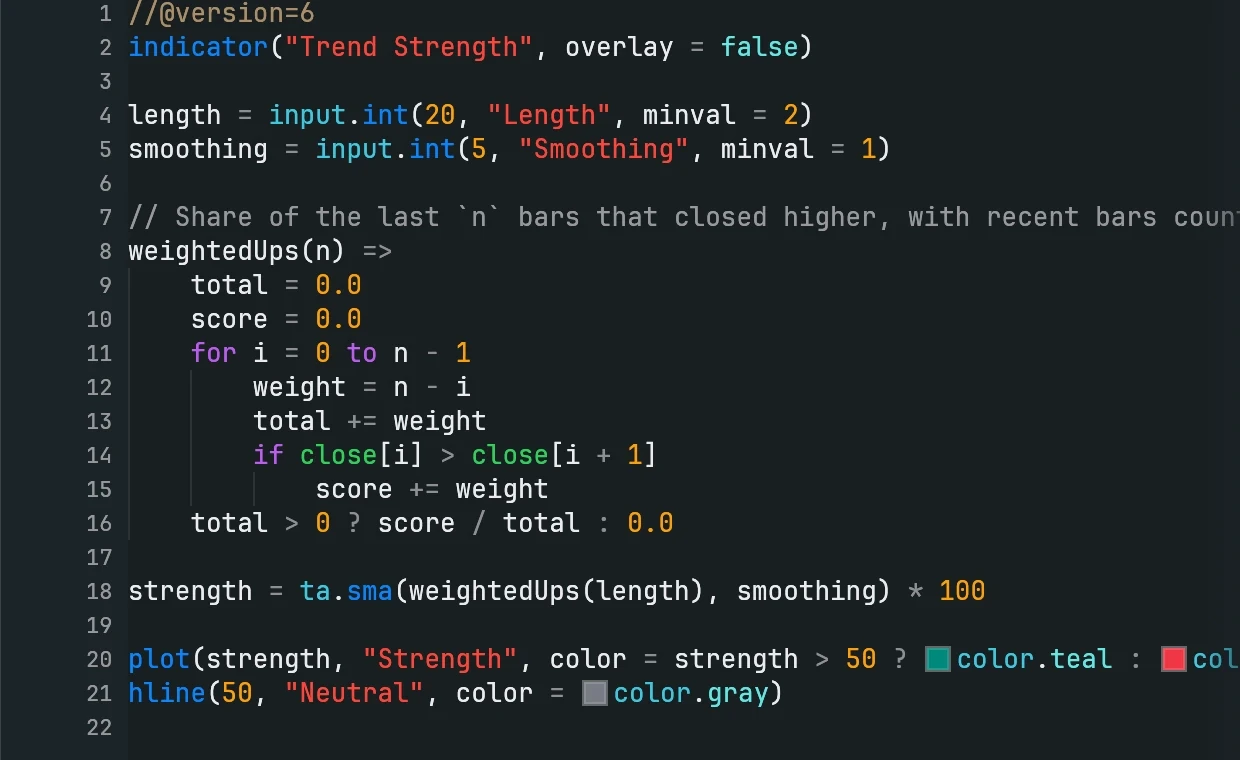
01DarkBuilt-in
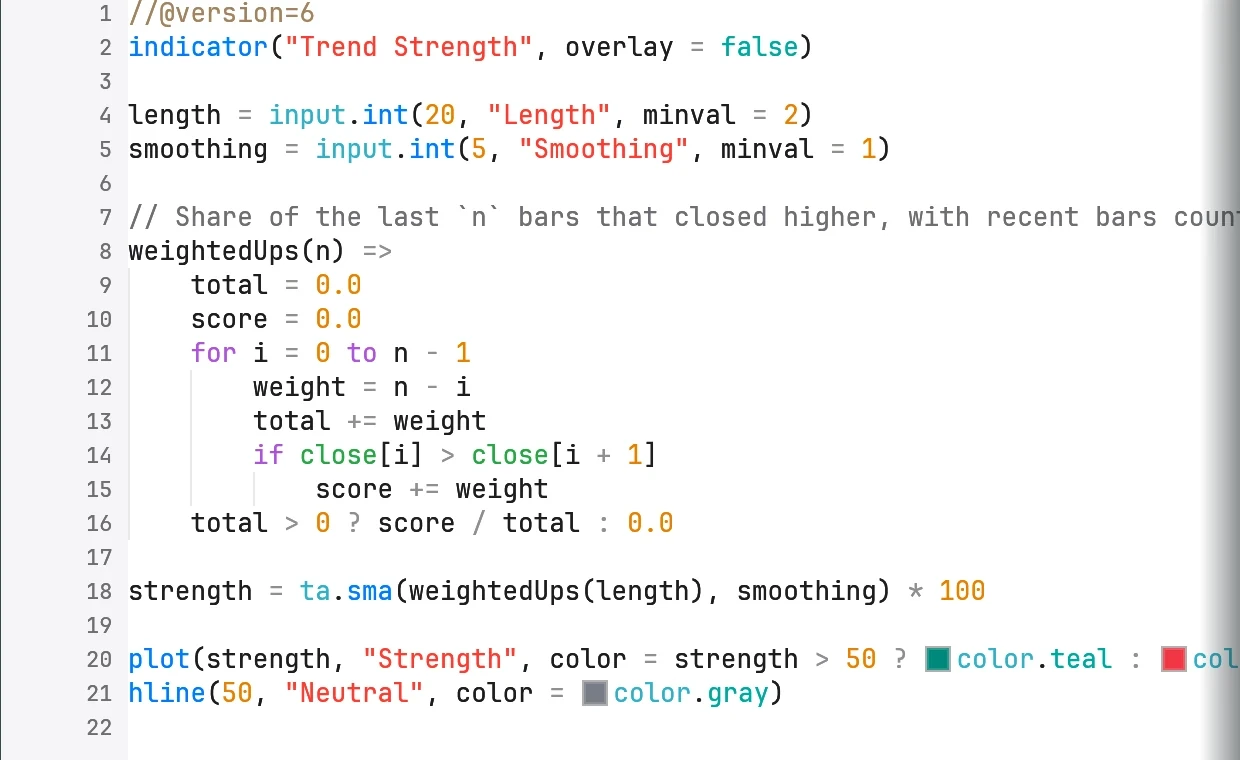
02LightBuilt-in
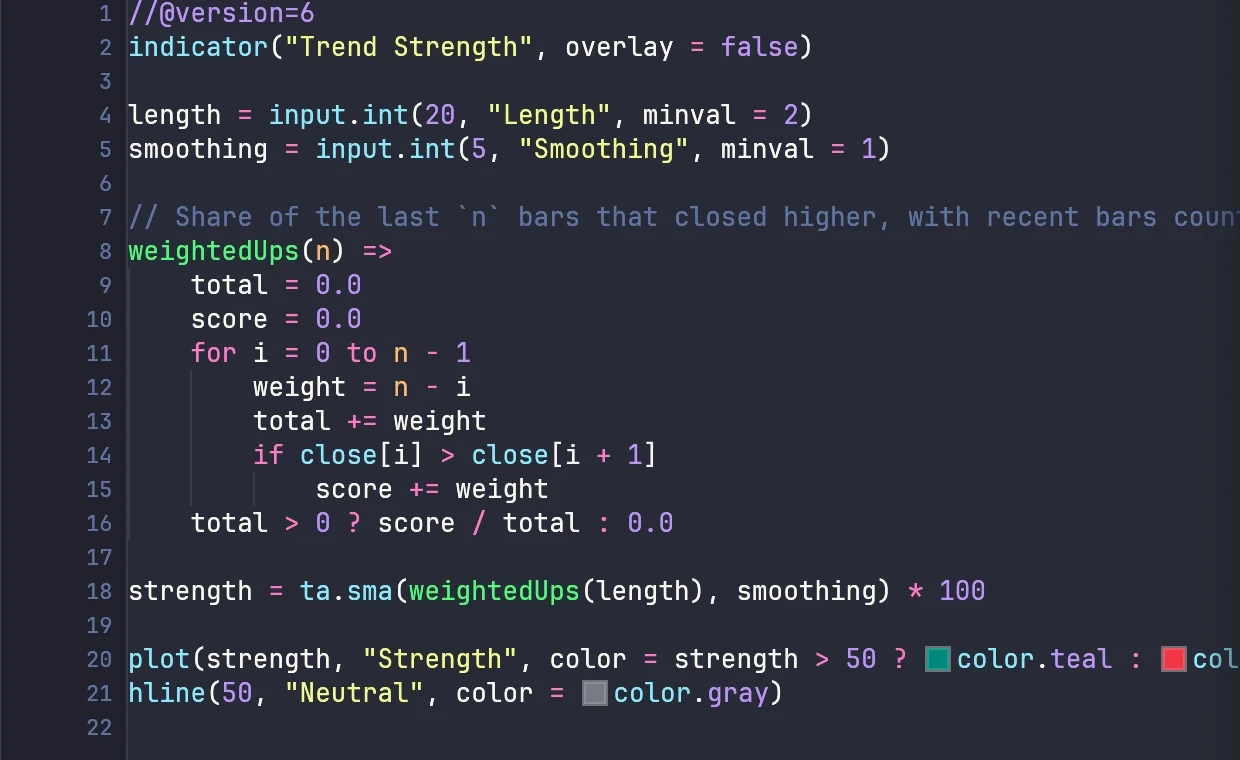
03DraculaBuilt-in
Build your own theme
- Edit syntax, editor and typography with a live preview
- Any monospaced font, 9 to 32 pt
- Export and share themes as .degenview-theme.json files
Yours to keep
Your scripts stay on your machine
Pine Studio evaluates scripts in-process. Your source is a plain .pine file in a folder you own.
- 01
Nothing is uploaded
Scripts run locally. Source text only leaves your computer if you ask the AI assistant, and then goes to your chosen provider.
- 02
No account
Nothing to sign up for. Download DegenView, open Pine Studio and write.
- 03
Open source
GPL-3.0 on GitHub. Read how the engine works, or build it yourself.
What the engine runs
An independent Pine Script v6 implementation that tells you when something is unsupported instead of failing silently.What Pine supports
- Indicators, strategies and libraries
- Plots, fills, shapes and background colors
- Labels, lines, boxes and tables
- ta.*, math.*, str.* and color.*
- Arrays, maps and matrices
- User-defined types and methods
- request.security and timeframes
- alert() and alertcondition()
- input.* controls
- log.*()
- varip
- import of your own libraries
From idea to alert
One loop, start to finish
Write
Start from one of nine examples or a blank script and watch the preview chart follow your code.
Read more about writeDebug
Break on the line that misbehaves, read variables, profile the slow part and ask the assistant.
Read more about debugAdd to a chart
Apply the script from the + menu. Tune its inputs and style, or turn it off.
Read more about add to a chartGet alerted
Turn alert() calls into script alerts that notify you on a live bar, or post to your own webhook.
Read more about get alerted
Compatibility
How it differs from TradingView
Pine Studio is an independent Pine Script v6 implementation with its own engine and data, so the same script can behave differently.
- Language versions
- TradingViewStill runs scripts written for older versions of Pine.
- Pine StudioPine Script v6 only. Older scripts are rejected with a clear error, so migrate them first.
- Where scripts run
- TradingViewOn TradingView’s servers, tied to your account.
- Pine StudioOn your computer. Plain .pine files, no account, nothing uploaded.
- Markets and timeframes
- TradingViewStocks, futures, forex, bonds, crypto and more, with intraday timeframes.
- Pine StudioCrypto, US stocks and ETFs, and prediction markets, in 1H, 1D, 1W, 1M, 3M and 1Y candles. No minute timeframes.
- Data feeds in scripts
- TradingViewFundamentals, earnings, dividends, splits, economic data and more through request.*.
- Pine Studiorequest.security and request.security_lower_tf work. Earnings, dividends, splits, economic, financial, seed and quandl feeds return na with a warning. request.footprint approximates tick data from finer candles.
- Strategy backtests
- TradingViewTradingView’s own broker emulator, including margin.
- Pine StudioA separate emulator with no margin model or margin calls. calc_on_order_fills and the bar magnifier are ignored with a warning. Expect different numbers.
- Time zones on stocks
- TradingViewCalendar values follow the exchange’s time zone.
- Pine StudioHour and day-of-week values use UTC on stocks.
- Text styling
- TradingViewChoose font family, bold and italic on labels, boxes and tables.
- Pine StudioAccepted, but ignored.
- Sharing
- TradingViewPublish scripts and browse a community library.
- Pine StudioNo publishing and no built-in library. The Community scripts link opens tradingview.com/scripts in your browser; paste what you want to run.
01Unsupported means a warning, not a surprise
Unsupported features return na or are ignored, with a numbered warning in the Problems tab.
02Check results before you rely on them
Data sources and the strategy emulator differ, so plots and backtests can differ. Check a community script’s license before you reuse it.
The full list of what Pine Studio supportsDegenView vs TradingView
Pine Script and TradingView are trademarks of TradingView, Inc. DegenView is not affiliated with or endorsed by TradingView.
FAQ
Pine Studio, answered
01What is Pine Studio?
Pine Studio is the Pine Script workspace inside DegenView, the free and open source desktop market dashboard. It is a script library, a code editor and a live preview chart in one tab, with a step debugger, a profiler, an AI assistant and editor themes.
02Does DegenView run Pine Script v6 scripts from TradingView?
DegenView runs its own Pine Script v6 engine on your computer, so you can paste a script into Pine Studio and run it. It is an independent implementation, not TradingView’s, so very exotic scripts can behave differently, and a few features, such as some request.* data feeds, return na with a warning. Pine Script v6 is the only supported version.
03Can I debug a Pine Script with breakpoints?
Yes. Set breakpoints in the gutter, with optional conditions, hit counts and logpoints, then step over, into and out of functions or step a whole bar at a time. Locals, globals, watch expressions and the call stack update at every stop. The debugger runs on a frozen copy of the preview chart’s bars.
04Is there a Pine Script profiler?
Yes. Turn on the profiler and DegenView times your script over the preview chart’s bars. It draws a bar and a share beside each line and ranks the hottest lines, blocks and functions, so you can see what to fix first.
05Does the AI assistant send my code anywhere?
Only if you use it, and only to the provider you choose. You bring your own API key for OpenAI, Anthropic or an OpenAI-compatible server such as OpenRouter, Ollama or LM Studio. DegenView has no server in between, and you pay your provider directly. The assistant works on a private copy of your script and never changes your editor until you apply a change.
06Can I vibe-code Pine scripts with my own AI assistant?
Yes, through DegenView’s optional MCP server. Describe the idea to an MCP-capable assistant and it can list, read and compile your scripts, edit a script’s draft, read diagnostics, inputs and reports, and apply a saved script to a chart. The server is off by default, listens only on your machine and needs a token, and you choose what each assistant may do. By default, saving over a script waits for your approval in the app.
07Do I need an account, or an internet connection?
No account. Your scripts are plain .pine files on your computer. Market data for the preview chart comes from public providers, so you need a connection to see live prices, but not to edit a script.
08Is Pine Studio free?
Yes. Pine Studio is part of DegenView, which is free and open source under the GPL-3.0 license, for macOS, Windows and Linux.
Download
Write Pine. Debug it properly.
Pine Studio comes with DegenView. Free, open source, and nothing to sign up for.
Release candidate: expect rough edges. Report issues (opens in a new tab).